startpage-app: Taking My New Tab Page From localStorage to the Cloud
How I rebuilt my personal startpage as an account-synced Next.js app — and why localStorage alone stopped being good enough.
The Problem With My Old New Tab Page
A while back I built myself a personal “start page” — a custom new tab page with a clock, a greeting, quick links to the sites I use daily, a switchable search engine, and a wallpaper I actually liked looking at. It was a single ~500-line Nuxt/Vue page, and everything — my link groups, my chosen wallpaper, my preferred search engine — lived in localStorage.
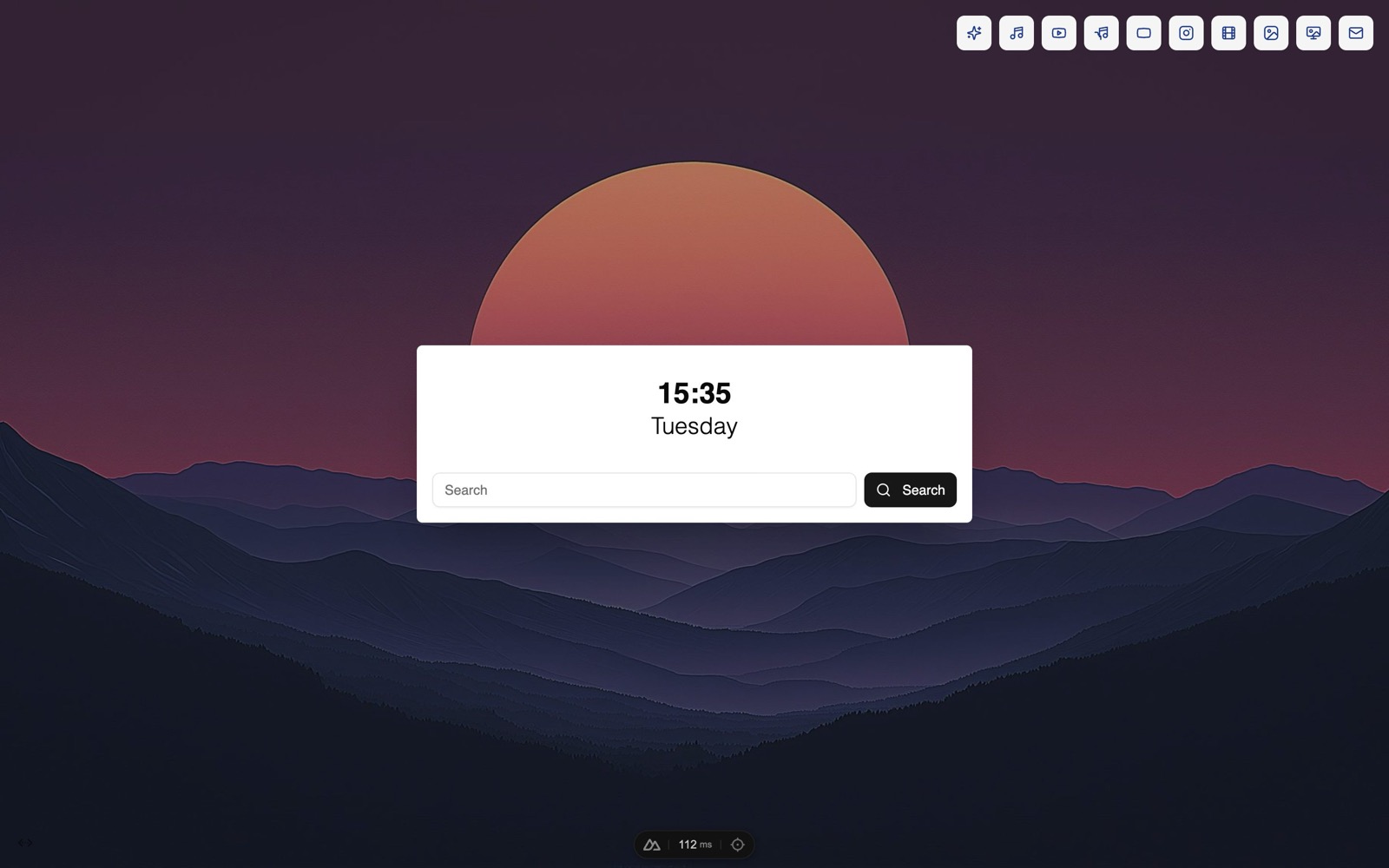
That worked fine right up until it didn’t. Switch to a different browser, get a new laptop, or accidentally clear site data, and the whole setup was gone. I’d rebuild it, again, from scratch. For a page I look at dozens of times a day, that was more annoying than it had any right to be.
So I rebuilt it — this time as startpage-app, a Next.js app where all of that state lives in an actual account instead of a browser tab.
What It Does Now
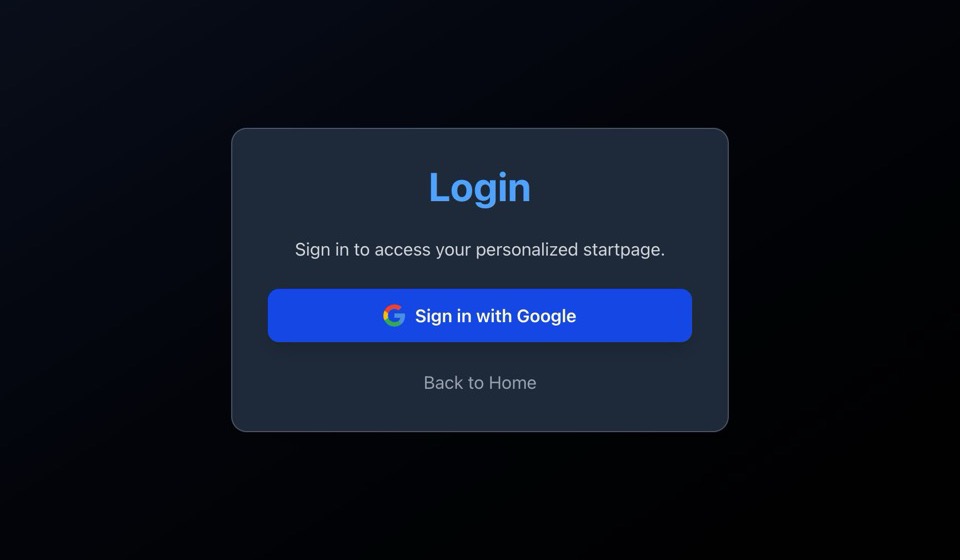
Sign in with Google and you get a dashboard with:
- A live clock and date, plus a time-of-day greeting (“Good Morning/Afternoon/Evening/Night”) with a text color you can pick from a small curated palette
- A search bar with a switchable search engine (Google, DuckDuckGo, or your own)
- Custom link groups — bookmark folders, each with its own icon, fully CRUD-able, with a couple of sensible defaults (“AI Assistant,” “Social Media”) auto-created on sign-up
- A wallpaper gallery — save several, switch between them, delete the ones you don’t want anymore
- A floating, draggable YouTube Music mini-player, because a new tab page is a good place for that
- Dark/light theme toggle
None of it is tied to a single browser anymore. Sign in anywhere and it’s all there.
The Stack, and a Couple of Real Gotchas
Under the hood it’s Next.js 15 (App Router) with React 19, NextAuth for Google OAuth, and Prisma talking to a Neon-hosted Postgres database. A couple of decisions worth calling out:
JWT sessions instead of database sessions. NextAuth’s Prisma adapter still persists accounts and users to the database, but I deliberately kept sessions as JWTs rather than DB-backed — it avoids a database round trip on every single request once a token’s been issued.
Server-side validation of “curated” choices. Things like the greeting color and the link-group icons are picked from a fixed list defined in code, not stored as arbitrary strings the client sends up. The server validates against that enum rather than trusting whatever the client claims it picked.
A subtle App Router trap. At one point layout.tsx had been turned into a Client Component just to host SessionProvider and ThemeProvider — which silently disables the file’s metadata export. My tab title and favicon quietly broke and I didn’t notice for a while. Fix was straightforward once I found it: pull those providers into their own client component and let layout.tsx stay a Server Component.
The July 1 Rewrite
Most of this came together in one intensive day of work on July 1st, where I brought the app up to full feature parity with the old Nuxt version — link groups, the music player, wallpaper management, search engine sync — and along the way patched two real CVEs, including a critical (CVSS 10.0) RCE in Next.js’s React Flight protocol that had landed in a recent release. Worth saying plainly: a good chunk of that day’s work was done pair-programming with Claude Sonnet 5, which made moving that fast on a rewrite like this a lot more feasible.
Where It Stands
It’s feature-complete relative to the old app, plus the account-sync piece that was the whole point of rebuilding it. But it’s not polished — there’s no test suite yet, a bit of mock fallback data still wired into the dashboard from earlier development, and the database schema already has displayOrder columns sitting there unused, waiting on a drag-to-reorder UI I haven’t built yet.
Next up: cleaning out that leftover mock data, and finally wiring up reordering for links and groups so the last bit of the old app’s polish makes it into this one too.
Keep reading